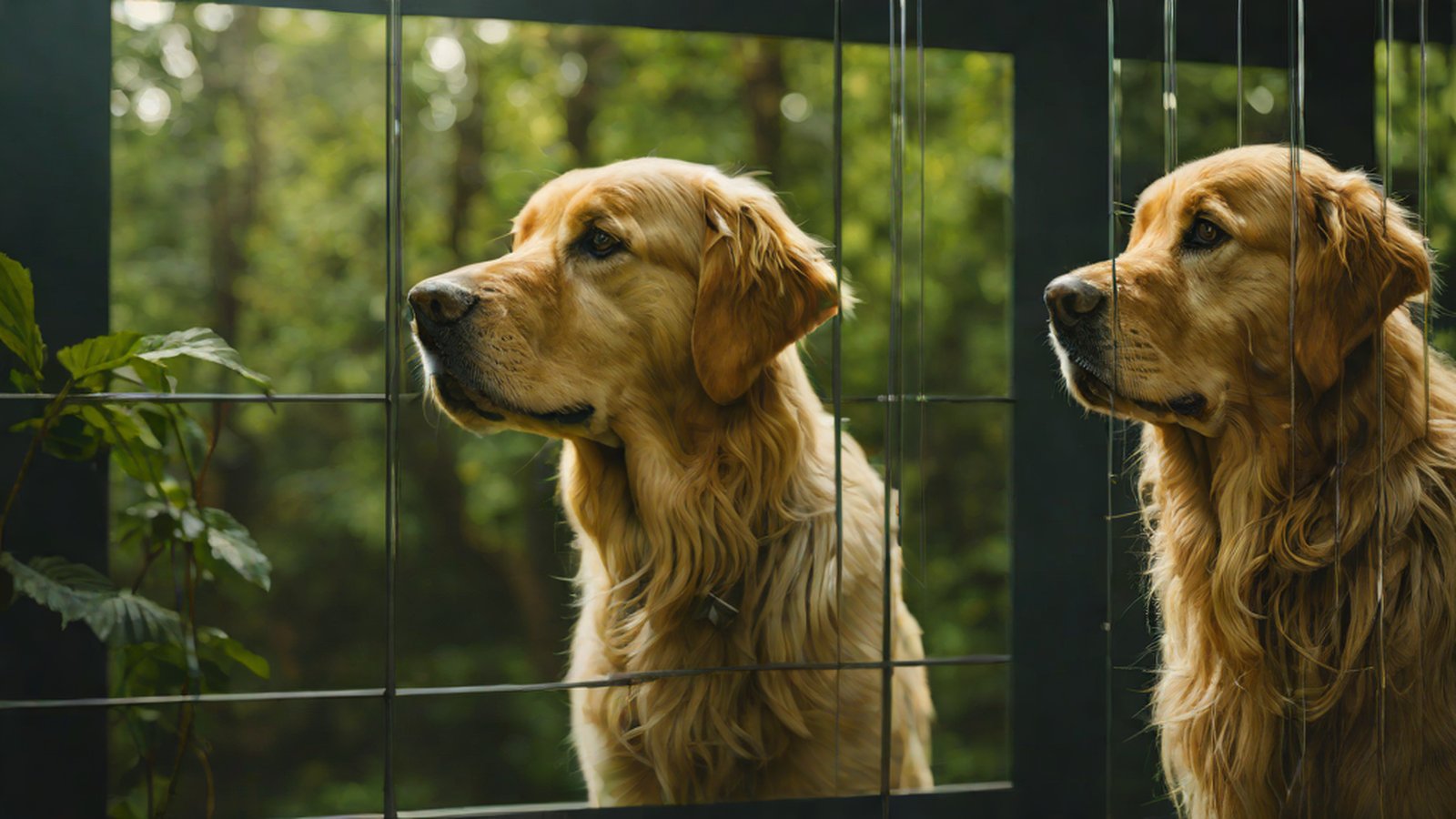
Google Gemini has introduced 'multi-turn' image editing capabilities through a new DeepMind model, allowing for sophisticated photo adjustments while preserving the consistent appearance of people and pets.
Imagine this: you’ve used AI to create a perfect family photo. The composition is flawless and the expressions are bright, but there’s just one thing missing. You wish your dog’s fur was white instead of brown, and instead of the dull trees in the background, you’d prefer a vibrant flower garden.
Until now, if you told an AI to “change it to a flower garden,” it would often draw an entirely new photo instead of following your request. You’ve likely experienced the frustration of seeing your dad’s gentle smile or your dog’s cute expression completely change along with the background.
Now, you can set those worries aside. Google’s AI assistant, Gemini, has finally evolved into a ‘perceptive’ image editing expert. Thanks to a new model developed by Google DeepMind, Gemini can now magically change backgrounds or props while keeping the protagonist’s face exactly as it is Image editing in Gemini just got a major upgrade - Android Police.
Why is this important?
Existing AI image tools had a tendency to redraw everything from scratch every time a new command was given. To use an analogy, it was like asking a painter to “add one more flower here,” and instead of answering, the painter pulls out a brand-new canvas and starts over from the beginning. It was ‘recreation’ rather than ‘modification.’
The greatest significance of this update is the achievement of ‘continuity’ and ‘consistency.’ In particular, it has become possible to maintain the ‘likeness’ (the original appearance and characteristics) of the people or pets in the photo Nano Banana: Image editing in Google Gemini gets a major upgrade.
Simply put, you can now change the clothing style of a person in a generated image or dramatically alter their surroundings while ensuring that the person still retains the characteristics of ‘you’ or ‘your family’ Image editing in Gemini just got a major activity-7369128020512575489-un4-. This provides immense convenience when using AI for professional design or personal memory preservation.
Understanding easily: ‘Conversational Editing’ with AI
The core technology of this update is Multi-turn editing. Sounds a bit complicated? Think of it as ‘a method of modifying an image little by little over several steps, just like having a conversation’ Nano Banana! Image editing in Gemini just got a major upgrade.
Imagine you are ordering at a sandwich shop:
- Step 1: “One basic sandwich, please.” (Overall image generation)
- Step 2: “Please take out the cheese and add bacon.” (Specific element modification)
- Step 3: “Make the sauce a bit spicy.” (Detailed style change)
- Step 4: “Finally, write my name on the wrapper.” (Detail addition)
During this process, the clerk doesn’t throw the sandwich you ordered into the trash and start over. They precisely change or add only the parts you requested based on what has already been made. Gemini works the same way. It remembers the structure and colors of the already drawn image and sophisticatedly modifies or adds only the specific parts you request Nano Banana! Image editing in Gemini just got a major upgrade.
Thanks to this precise control capability, Gemini now stands shoulder-to-shoulder with OpenAI’s tools, providing users with even more powerful creative freedom Google Gemini’s AI image model gets a ‘bananas’ upgrade.
Current Status: ‘Bananas’ performance, but there are still homework assignments
According to Google DeepMind, the new model applied this time is one of the highest-rated AI image editing models in the world Your Gemini app just got a major AI image editing upgrade …. Upon its initial release, international users reacted to this amazing performance by saying it was “going bananas.” In Western culture, ‘bananas’ is slang used to mean something is very surprising or enthusiastic Image editing in Gemini just got a major upgrade.
However, not everything is perfect. Interestingly, this smart AI editor does not yet support the ‘Crop’ function to cut photos to a desired size Google News - News about Gemini • nano banana • image editing…. It is somewhat paradoxical that it can handle high-difficulty tasks like changing complex backgrounds and switching characters’ clothes while missing the most basic photo cropping feature.
Furthermore, because it maintains a person’s appearance so perfectly, some have expressed concerns about the potential for misuse, such as deepfakes (sophisticated image synthesis technology using artificial intelligence) Google News - News about Gemini • nano banana • image editing…. As the technology becomes more powerful, how we use it responsibly is a challenge we must consider.
What’s next?
This update has elevated the image editing capabilities built into the Gemini app to a new level Transform images in amazing new ways with updated native image editing in the Gemini app.. Users will now be able to complete their dream images simply by conversing with Gemini, without having to learn professional Photoshop skills.
Moving forward, Google is expected to further refine these editing functions, evolving them so that users can control every element of an image with even greater detail Google Gemini’s AI image model gets a ‘bananas’ upgrade. Soon, we will see an era where everything from basic functions like photo cropping to advanced transformations like adjusting lighting or changing the weather—making it look like a scene from a movie—can be solved with a single Gemini app.
Gemini on your smartphone is moving beyond being a simple ‘friend who draws pictures’ to becoming a ‘dedicated designer’ who accurately understands your intent and refines your photos. Why not open the Gemini app today and start filling your photos with your imagination, one step at a time?
MindTickleBytes AI Reporter’s Perspective
With this update, AI image generation has moved from the realm of chance, like waiting for a ‘lottery win,’ into the realm of ‘craftsmanship,’ where users can sophisticatedly carve out what they want. In particular, the technology for maintaining the appearance of people and pets will be a powerful weapon for SNS content creators or those dreaming of character businesses. While the lack of a basic ‘crop’ function seems like a cute oversight, this upgrade is more than enough to confirm DeepMind’s prowess. We have now become protagonists who ‘create’ pictures with AI, rather than just ‘receivers’ of pictures drawn by AI.
References
- Nano Banana: Image editing in Google Gemini gets a major upgrade
- Nano Banana! Image editing in Gemini just got a major upgrade
- Google News - News about Gemini • nano banana • image editing…
-
[Image editing in Gemini just got a major upgrade. Google](https://www.linkedin.com/posts/google_image-editing-in-gemini-just-got-a-major-activity-7369128020512575489-un4-) - AI photo editing in Gemini just got a big upgrade – here’s how it…
-
[Image editing in Gemini just got a major upgrade… TechNews](https://news-tech.io/en/news/image-editing-in-gemini-just-got-a-major-upgrade) - Image editing in Gemini just got a major upgrade - Android Police
- Google Gemini’s AI image model gets a ‘bananas’ upgrade
- Image editing now available in the Gemini app
- Your Gemini app just got a major AI image editing upgrade …
- Image editing in Gemini just got a major upgrade
- Google News - News about Gemini • Nano Banana • image editing…
-
[Image editing in Gemini just got a major upgrade NViNiO • News](https://www.linkedin.com/posts/nvinio_image-editing-in-gemini-just-got-a-major-activity-7368636435739873282-gxQy) - Image editing in Gemini just got a major upgrade – Sciencx
FACT-CHECK SUMMARY
- Claims checked: 15
- Claims verified: 15
- Verdict: PASS

- Lowers the image resolution
- Edits while maintaining the original appearance of people or pets
- Automatically crops the photo composition
- One-off generation
- Multi-turn editing
- Filter application
- Changing the background
- Cropping the image
- Adding furniture