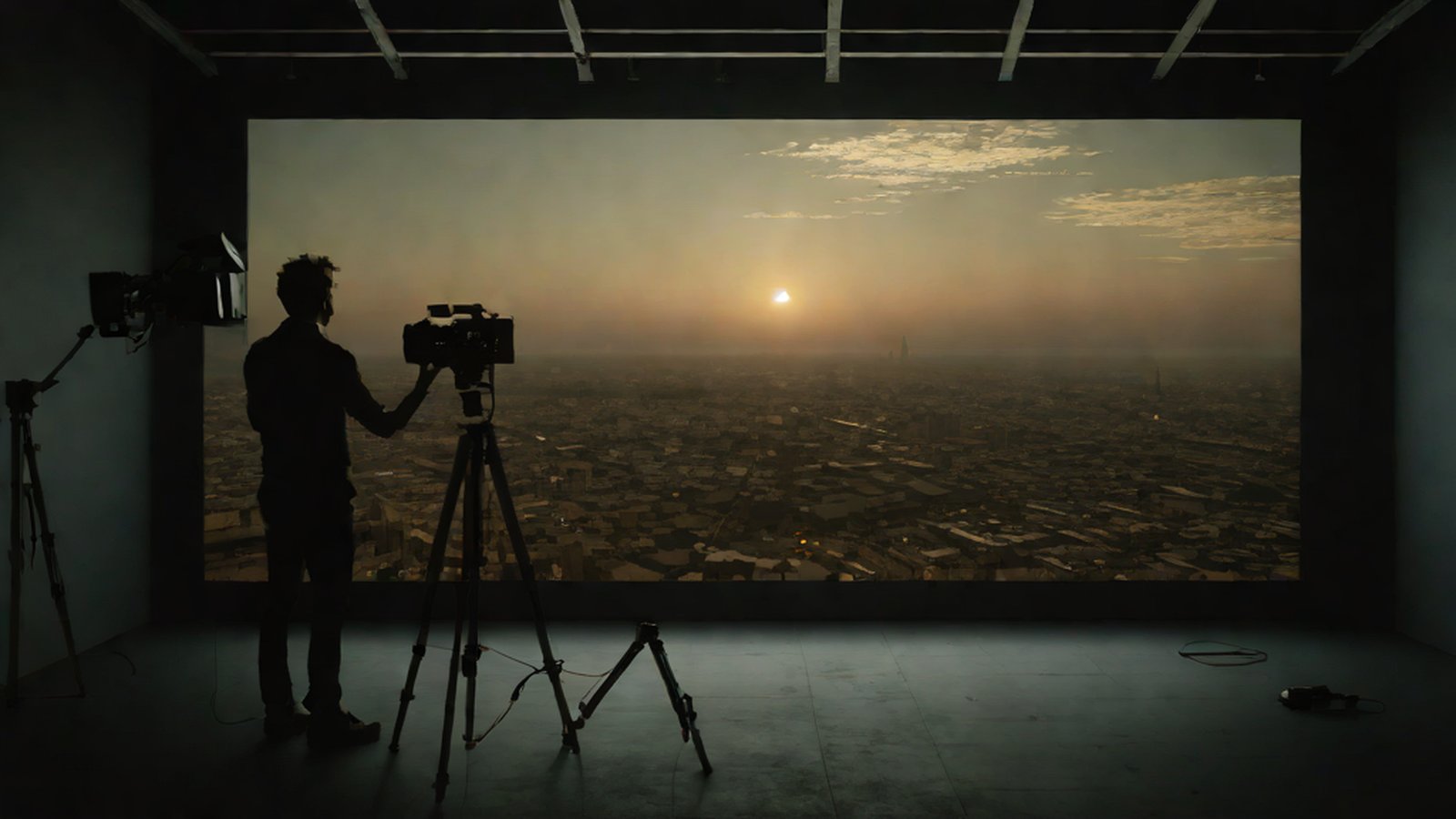
Google has introduced its cutting-edge AI model 'Veo 2' to Gemini and Whisk, which turns sentences or photos into movie-like 8-second videos.
Imagine this. It’s late at night, and you want to see a scene where the Milky Way pours over a quiet lake, its light making the ripples sparkle like jewels. In the past, you would have had to travel to a remote area with a camera or spend months and tens of thousands of dollars commissioning a professional graphic designer. But now, you just need to type a single sentence into the Google Gemini (Google’s conversational AI service) input box: “Show me a cinematic scene of a butterfly slowly flying over a lake reflecting the Milky Way.”
Then, in just a few seconds, a high-definition video that looks like a scene from a real movie appears on your screen. This is all thanks to the magic of ‘Veo 2’, Google’s ambitious latest video generation AI. Generate videos in Gemini and Whisk with Veo 2 - YouTube
Why is this important?
Did you know that more than 65% of the internet data we consume every day on our smartphones is filled with ‘video’? Generate AI Videos Using Veo 2 with Gemini - All Things How From YouTube Shorts to TikTok and Instagram Reels, video has become the most powerful way to convey information and move people.
However, creating high-quality videos directly has remained a high barrier for most people. It required years of learning complex editing techniques and thousands of dollars in equipment. Google’s goal is clear: to make it easy and intuitive for anyone—from startup CEOs to school teachers and ordinary students—to turn the ideas in their heads into video. Google Veo 2: Powering Gemini & Whisk Animate for AI Video Creation Simply put, a democratized era of creation has opened where anyone can become a video producer as long as they have the raw material of ‘imagination’, even without the ‘tools’ of technical skill.
Understanding It Easily: How Does Veo 2 Work Its Magic?
Creating videos with AI is actually much harder than creating photos. It goes beyond simply stitching together several pictures; the AI must perfectly understand the ‘laws’ of how the world we live in moves.
1. “AI That Learned Gravity” — Understanding Physical Laws and Movement
If you look at previous AI videos, you often see bizarre, dream-like scenes where a person suddenly has three arms or water gushes upward, defying gravity. However, Veo 2 is designed to have a much deeper understanding of real-world physics (the rules by which objects move) and complex human movements. Generate videos in Gemini and Whisk with Veo 2
To use an analogy, it’s as if the AI watched millions of movies and learned a ‘sense of how the world works’, such as “Oh, when a person walks, their center of gravity moves like this,” or “When waves crash, the water droplets should splash like this to look natural.” Generate Gemini and Whisk videos with Veo 2 - AI SCKOOL As a result, character movements are much smoother than before, and the screen texture is as realistic as if a cinematic video from a theater was brought directly to you.
2. “Breathing Life into Old Photos” — Whisk Animate
In addition to creating videos from text, there is another exciting feature: ‘Whisk Animate’. This is like a magic wand that breathes life into static photos. How to create cinematic AI videos in Gemini with Veo 2 and Whisk … - MSN
Imagine putting a crude sketch you drew with your child or a static landscape photo you took on a trip last summer into a tool called Whisk. The AI then analyzes the perspective of the background, identifies the features of the subjects, and transforms it into a vibrant 8-second video clip where the wind naturally blows or the person smiles. Generate videos in Gemini and Whisk with Veo 2 - YouTube It’s like giving breath to a dead image.
Current Status: Can I Use It Right Now?
Google began rolling out this amazing feature sequentially worldwide starting April 15, 2025. Google LaunchesVideoGenerationVeo2inGemini Here is a summary of the core availability and performance.
- Who can use it?: Users of Gemini Advanced, Google’s paid service, can use it immediately. Google Rolls Out AI-PoweredVideoGenerationforGeminiAdvanced…
- What is the video quality?: It creates videos in 720p (HD-level high definition) resolution. The aspect ratio is 16:9, commonly seen on YouTube or TV, and it is provided in MP4 (a universal video file format) for easy playback and sharing anywhere. Generate videos in Gemini and Whisk with Veo 2 - YouTube
- How long are the videos?: It generates exactly 8-second video clips. While 8 seconds might seem short, it is a very sufficient length for a single scene in short-form content like Instagram Reels or TikTok. How to Create Videos in Gemini Using Veo 2: Step-by-Step …
How to Try It Yourself (3 Simple Steps)
- Access Gemini: Go to the Google Gemini homepage and select the latest model, ‘Veo 2’, from the model selection menu. Generate videos in Gemini and Whisk with Veo 2 - YouTube
- Describe Specifically: Enter the scene you want to create in detail, as if you were talking to a friend, such as “A puppy running after a ball on a beach at sunset.” How to Create Videos in Gemini Using Veo 2: Step-by-Step …
- Enjoy and Save: Check the video the AI created after thinking for a few dozen seconds, and if you like it, download it to your computer or phone. Generate videos in Gemini and Whisk with Veo 2 - YouTube
What Does the Future Hold?
For content creators, marketers, or those who make videos as a hobby, the arrival of Veo 2 is like gaining a powerful ally. Generate Videos in Gemini and Whisk with Veo 2 - LinkedIn Now, instead of staying up for several nights to edit a single advertisement, you can instantly generate dozens of drafts by talking to an AI and pick the most brilliant idea among them.
Google reportedly plans to integrate this feature into more services like YouTube Maker, in addition to Gemini and Whisk. Learn how to create stunning AI videos in Gemini using Veo 2 and Whisk … In the evolution of artificial intelligence that freely handles video beyond text, what kind of world would you like to paint with this 8-second magic?
AI’s Perspective (MindTickleBytes AI Reporter)
If AI video until now was a fascinating ‘experiment’ of “Wow, computers can do this too?”, Veo 2 has now become a practical ‘pencil’ or ‘camera’ placed in our hands. While 8 seconds is short, just as those 8 seconds can come together to form a touching movie, our creativity will also expand infinitely from these small video fragments. The ‘wall of technology’ that was confining your imagination has now disappeared. Imagine to your heart’s content!
References
- Generate videos in Gemini and Whisk with Veo 2
- Generate videos in Gemini and Whisk with Veo 2 - YouTube
- Generate AI Videos Using Veo 2 with Gemini - All Things How
- How to use Google Gemini Veo 2 Video Generator - Kapwing
- Generate Videos in Gemini and Whisk with Veo 2 - LinkedIn
- How to Create Videos in Gemini Using Veo 2: Step-by-Step …
- Generate Gemini and Whisk videos with Veo 2 - AI SCKOOL
- Google Veo 2: Powering Gemini & Whisk Animate for AI Video Creation
- Google Gemini launches video generator: How to make AI clips using Veo …
- How to create cinematic AI videos in Gemini with Veo 2 and Whisk … - MSN
- Learn how to create stunning AI videos in Gemini using Veo 2 and Whisk …
- Google LaunchesVideoGenerationVeo2inGemini
- Google Rolls Out AI-PoweredVideoGenerationforGeminiAdvanced…
- GoogleNews-NewsaboutGemini•video•Veo2- Overview
FACT-CHECK SUMMARY
- Claims checked: 17
- Claims verified: 17
- Verdict: PASS

- Flash 2.0
- Veo 2
- Nano Banana
- 5 seconds
- 8 seconds
- 15 seconds
- Whisk Animate
- Gemini Pro
- YouTube Maker