Textile is a privacy-focused desktop application that magically combines your clipboard, system commands, and user-inputted text into personalized, custom sentences with a single shortcut key.
Introduction: ‘Context Switching’ That Exhausts Our Brains
If you look closely at the modern computer work environment, you will realize that despite using cutting-edge devices, we are endlessly repeating surprisingly analog behaviors. Regardless of whether you are an office worker, a student, or a freelancer, there is an action we unconsciously perform dozens of times every day: manually copying and pasting bits of text while constantly switching between screen windows.
Imagine this. Every morning, you need to write a work report email to your team members. First, you open your email app. You switch back to your calendar app to copy today’s date. You open your notepad app to copy and paste the greeting template you always use. Then, you go into your company’s internal system, drag and copy a summary of yesterday’s work, and return to the email app to paste it. To finish a single email, you have to frantically move your mouse, bouncing back and forth across countless apps.
Experts call this process of shifting your screen and cognitive attention “Context Switching.” This process drains a tremendous amount of our cognitive energy. It is time to stop “switching between apps to copy bits of text manually” A desktop app for repeatedly weaving together bits of text.
Recently, a developer using the ID ‘stack_framer’ created a buzz by releasing a fascinating desktop application to the community that solves this exact struggle Hacker News => Show. The creation this developer was thrilled to introduce is called ‘Textile’ Show HN: Textile – A desktop app for weaving together bits of …. Today at MindTickleBytes, we will break down how this app—whose name itself implies intricately weaving something together—can magically transform our daily routines.
Why It Matters
The Evolution from ‘Static Characters’ to ‘Dynamic Strings’
What makes Textile special is that it is not just another common clipboard manager or notepad that merely copies and stores text. This app treats text like “living Lego blocks.” We usually think of text as “static”—something that doesn’t change once written down. However, Textile pulls from various sources in your computer environment to create “dynamic strings” whose content automatically adapts to each situation. Simply put, it creates a smart document where the letters fill in their own blanks.
Textile allows you to carefully build and modify dynamic strings step by step until they take the exact, perfect form you want Show HN: Textile – A desktop app for weaving together bits of text. This is a massive paradigm shift in how we handle documents.
For instance, consider the sentence, “Today’s date is [Date], and the link I copied is [Link].” Previously, you had to manually type or find and copy the [Date] and [Link] every single time. But with Textile, you can set up a “rule” so the computer automatically fills in the current date and the link you just copied. This means you can piece together sentences step by step until you achieve the precise text you desire Show HN: Textile – A desktop app for weaving together bits of text.
| Why is this small change so important? Because it completely uproots “tedious repetitive tasks,” the biggest source of stress for anyone working at a computer. It eliminates the time wasted opening and closing multiple windows to combine text, the mistakes made by miscopying words, and, most importantly, the constant disruption of your workflow. As a result, we can dedicate our remaining energy purely to creative work. As soon as this app was revealed on the famous IT community Hacker News, it drew an enthusiastic response from countless professionals, being recorded and spread across news databases due to this deep thirst for productivity improvements [Natural 20 — AI News in Real-Time | The Bloomberg Terminal for AI](https://natural20.com/c/odh3sg). |
The Explainer
Do the technical details feel a bit unfamiliar? Let us easily explain exactly how Textile works inside our computers using two familiar analogies.
The First Analogy: The Magic Loom
The app’s name, “Textile,” refers to woven fabric or cloth.
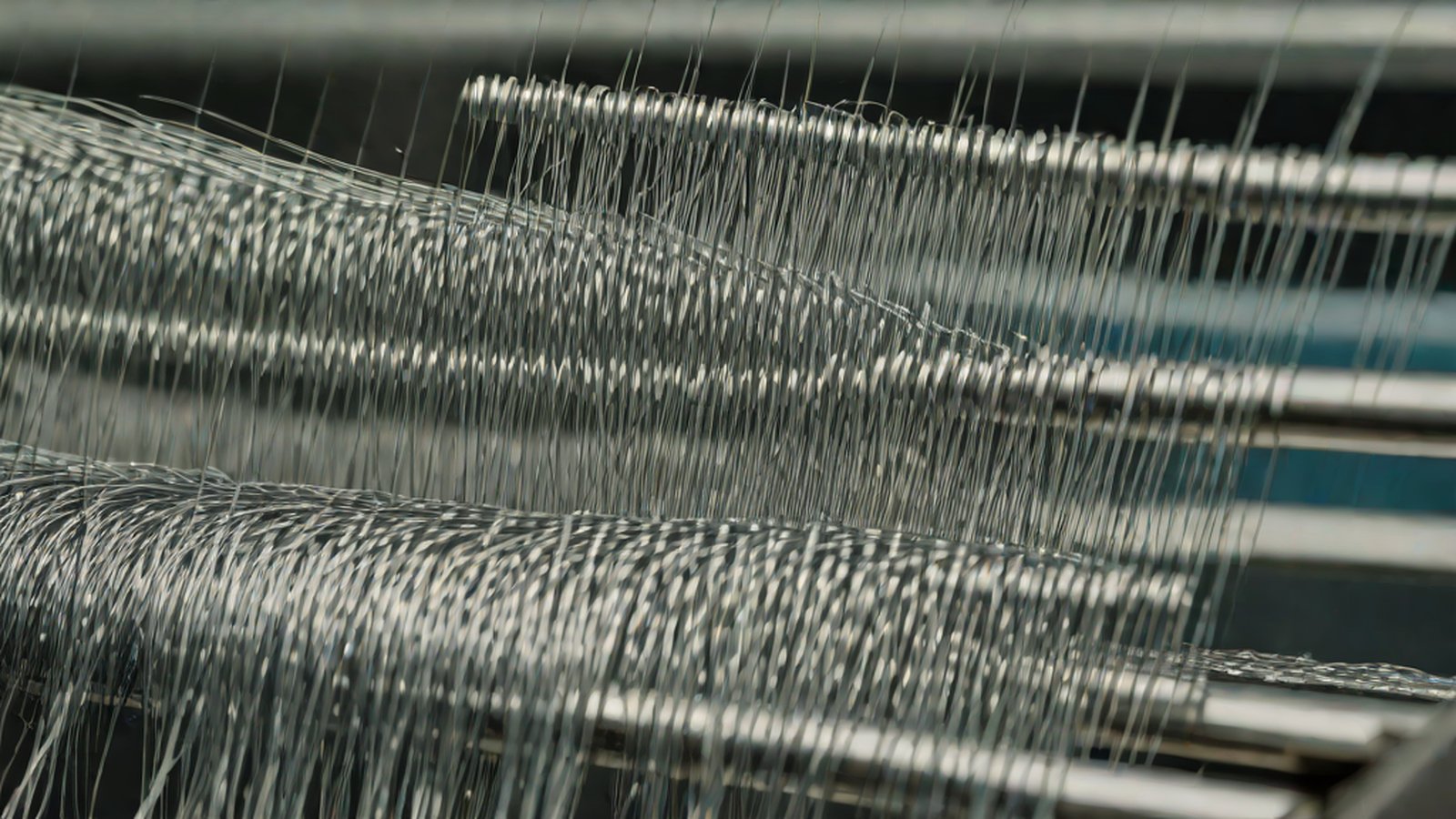
Think of it this way. Imagine a beautiful traditional loom weaving a large piece of cloth. To create a fabric with a gorgeous pattern, you need “threads” of various colors and materials. In the Textile app, these “threads” are the different types of textual information.
Textile pieces together bits of text by combining various inputs, such as commands on your computer, the contents of your clipboard, and hard-coded strings you provide Show HN: Textile – A desktop app for weaving together bits of ….
- The Red Thread (Hard-coded text): The unchanging sentences you always use identically. (e.g., “Hello, this is the Sales Team. Here are the requested materials.”)
- The Blue Thread (Clipboard): The content you just copied (Ctrl+C) from an internet browser or messenger. (e.g., A customer’s email address or inquiry details)
- The Yellow Thread (Computer commands): Information generated in real-time by the computer system itself. (e.g., Current time, today’s date, folder names, etc.)
The Textile app acts as an incredibly smart “loom,” intricately weaving together these red, blue, and yellow threads with zero margin of error. As a result, a perfectly formatted piece of “text fabric” (a completed email body or report template) simply drops right in front of your eyes without you having to move your hands through complex steps.
The Second Analogy: Your Own Automated Sandwich Shop
Let’s use a slightly more everyday, delicious example. Suppose you go to your favorite sandwich shop. Ordering the exact same bread and ingredients in the exact same order every time is a hassle. “On rye bread (hard-coded text), add the patty I just picked (clipboard), and drizzle today’s recommended sauce (computer command).”
The Textile app is like an exclusive chef who has completely memorized and automated this complex ordering process. Without you having to hand-deliver every single ingredient, Chef Textile automatically fetches text from various sources—computer commands, clipboard contents, and user-inputted data—and uses them in the right places Show HN: Textile – A desktop app for weaving together bits of …. All you have to do is tell the chef, “I’ll have my usual Recipe #1 (shortcut key)!” In the blink of an eye, a mouth-watering sandwich (completed text) appears.
Where We Stand
So, how exactly does this magical Textile app currently operate on our computers? Let’s examine two core features of this desktop app, which was painstakingly crafted by developer stack_framer.
1. Magic at Your Fingertips: Powerful Keyboard Shortcuts
Textile’s greatest weapon is “keyboard shortcuts.” The developer advises users to stop wasting precious time manually copying text and to take a smart shortcut instead. You can assign unique keyboard shortcuts to the text combinations (textiles) you create, allowing you to execute them instantly and easily anytime, anywhere, without opening a different window A desktop app for repeatedly weaving together bits of text.
What is even more surprising is that it goes beyond the simple method of pressing a single keyboard button. The Textile app even supports complex shortcuts with multiple sequences (pressing keys in succession) [A desktop app for repeatedly weaving together bits of text](https://www.gettextile.app/].
To give a real-life example: if you press Alt + 1 on your keyboard, a customer complaint you just copied (clipboard) is automatically formatted beautifully and temporarily saved. Then, if you immediately press Alt + 2, a standardized report template directed to the department manager (hard-coded text) combined with the current time (computer command) instantly appears on the screen. All of this is handled fluidly, like playing piano keys through a sequence of shortcuts, without needing to flip back and forth between multiple apps. This app has also been widely shared on another Hacker News clone site, drawing intense attention among numerous users as an innovative text-weaving app [Nuxt HN |
Show HN: Textile – A desktop app for weaving …](https://hn.nuxt.dev/item/48361054). |
2. Down from the Cloud into My Desk Drawer: Perfect Privacy
Nowadays, a vast majority of the software we commonly use, especially the latest tools promising to boost productivity, operates based on internet-connected “Clouds” (virtual server spaces). This means that a casually jotted memo or a customer’s phone number you copied is sent over the internet to be stored somewhere on an unnamed tech giant’s server. While it is convenient to access from any device, it is hard to shake the lingering anxiety that company confidential documents or sensitive personal information could be leaked at any moment.
Textile completely goes against this massive trend of cloud omnipotence. It has opted for a highly classical yet secure approach. Textile stores the text fabrics (textiles) you painstakingly create not on external servers, but in simple text files located solely on your computer’s hard drive. This method makes backups incredibly easy so you won’t lose your data even if the app experiences issues, and above all, it guarantees complete and thorough privacy, ensuring the files remain inaccessible to others or external servers Show HN: Textile – A desktop app for weaving together bits of ….
The fact that all your secret workflow rules and important clipboard data are preserved in light, transparent text files you can open with Notepad anytime—rather than in complex external databases vulnerable to hacking—provides tremendous psychological comfort in today’s uneasy data security environment.
What’s Next
The emergence of Textile offers a small but very profound implication for today’s software ecosystem. At a time when Big Tech companies are churning out heavy, complex, all-in-one tools equipped with massive artificial intelligence, it has proven that people are actually desperately yearning for “light, sharp tools that quickly and accurately scratch exactly where it itches.”
This app is not just an exclusive property for programmers who handle code. It has ample potential to firmly establish itself as an essential tool for all knowledge workers who type on keyboards—customer support agents who have to repeat similar email responses all day, freelance writers and marketers who must collect and synthesize countless internet materials, and office workers who constantly copy complex Excel formulas into internal company systems.
The thrilling experience of a regular user, even without knowing any coding, freely mixing computer commands, clipboard contents, and hard-coded text to weave their own dynamic text step by step will guide us out of being simple “copy-paste machines” and into a world where we create our own work tools. In the near future, we will likely see Textile users actively sharing their ingenious shortcut sequences and magical text combination recipes with each other in online communities, creating a new and joyful productivity culture of text automation.
MindTickleBytes AI’s Perspective
These days, grandiose general-purpose artificial intelligence models that will turn the world upside down are making daily news headlines. Paradoxically, however, amidst those flashy innovations, encountering a modest yet powerful desktop app like Textile, which quietly places a magnifying glass over the seemingly trivial, everyday pain points of users, is a truly welcome and refreshing shock.
Under the name of innovation, we have been surrendering too much to the cloud. But in an era where all personal information and work data are sucked into internet servers like a black hole, Textile’s philosophy of perfectly protecting privacy using “simple text files”—the oldest and most reliable format inside my computer—is highly suggestive. The fact that you can lightly build your own smart text automation assistant in a fast and safe local environment instead of a heavy and slow cloud clearly presents another healthy direction: modern software doesn’t always have to get larger and more complex; it must also evolve into small but solid tools that respect user control and privacy. Even amidst the giant waves of technology, the value of a small cogwheel quietly turning at our fingertips will never lose its shine.
References
- A desktop app for repeatedly weaving together bits of text
- Show HN: Textile – A desktop app for weaving together bits of text
- Show HN: Textile – A desktop app for weaving together bits of text
-
[Natural 20 — AI News in Real-Time The Bloomberg Terminal for AI](https://natural20.com/c/odh3sg) - Show HN: Textile – A desktop app for weaving together bits of …
- Hacker News => Show
-
[Nuxt HN Show HN: Textile – A desktop app for weaving …](https://hn.nuxt.dev/item/48361054) - Show HN: Textile – A desktop app for weaving together bits of …

- Computer commands
- Smartphone camera photos
- Clipboard contents
- Overseas cloud servers
- Decentralized blockchain networks
- Simple text files on the user's computer
- stack_framer
- text_weaver
- code_builder