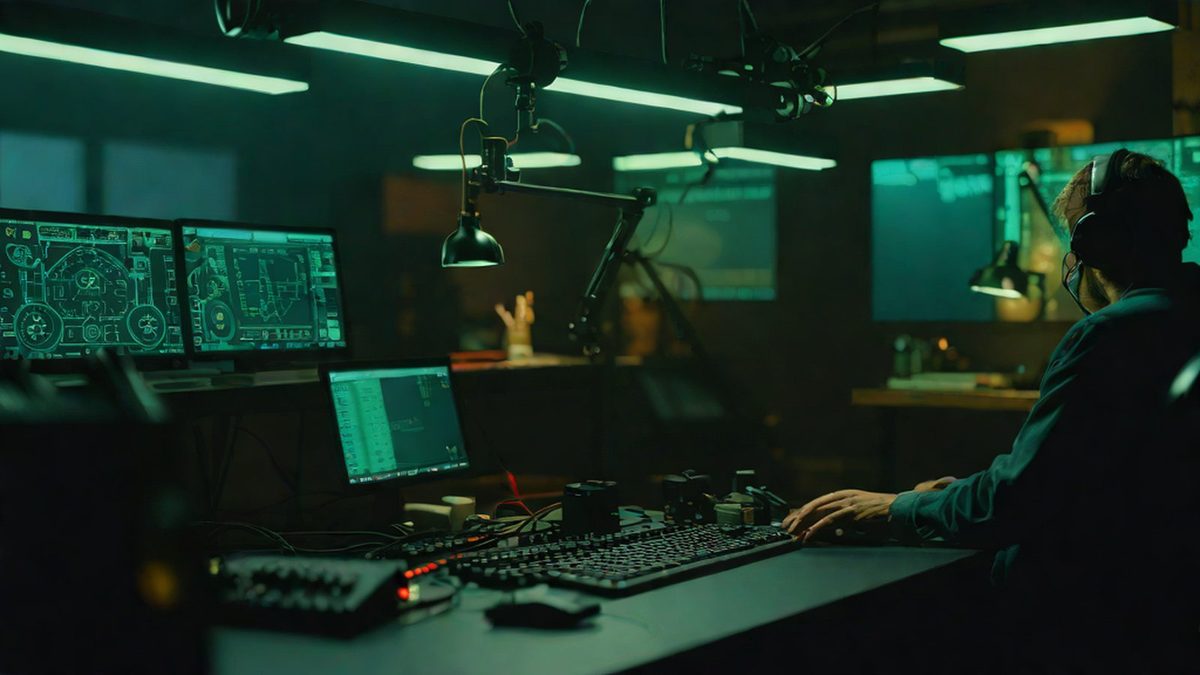
Explore 'terminactory', a terminal factory game built with Rust and Ratatui, discovering the new development culture and charm of text-based interfaces that fill the longer wait times of the AI era.
Imagine this. You are sitting at your desk, commanding the latest artificial intelligence (AI) tool: “Find and fix all bugs in my project and add new features.” Because it is a complex and massive task, it takes anywhere from several minutes to tens of minutes to complete. In the past, you might have picked up your smartphone, mindlessly scrolling through short-form videos (known as ‘doomscrolling’) and wasting precious concentration.
However, a completely new scene is now unfolding among developers. Instead of switching windows or looking at a smartphone, they enjoy relaxation running a charming factory right inside the black screen (terminal) where they were coding. This is the story of ‘terminactory’, a terminal-native idle factory game that recently became a massive sensation on the overseas developer community Hacker News [Source 1, Source 10].
In this article, we will take a close look at how the prolonged wait times of the AI era led to such a clever creation, and what this small terminal game implies for us.
Why Is This Important?
It might seem that as computers get faster, human wait times would decrease, but paradoxically, with the advent of AI agents (programs that make autonomous decisions and perform complex tasks), the development process now demands a deeper “aesthetic of waiting.” While waiting for results after assigning something to AI, humans often lose concentration or get distracted.
As an analogy, it is like putting a huge dish in the oven and finding peace of mind by gazing at a charming miniature world right in front of it instead of waiting blindly. Tools like ‘terminactory’ are important because they showcase a “Cozy Waiting” culture where developers can gain psychological stability and modest fun without breaking their work flow [Source 1, Source 14]. Since the work screen and game screen are merged into one, there is no need to waste computer resources or get distracted by launching other apps.
In addition, this project is a representative example showing how developers collaborating with modern AI models (e.g., Claude, etc.) can craft fully functional, high-quality software in a short period [Source 1]. Technology is changing not only the way we work, but also the forms of rest and play.
Easy to Understand: The World Inside the Terminal and Factory Games
To those unfamiliar with computers, a “terminal” might feel like a black screen where hackers in movies rapidly type characters. It is a space where you operate the computer by typing commands on the keyboard instead of clicking pretty buttons with a mouse.
Building a game here is like recreating an old retro console with nostalgic ASCII characters. Simply put, instead of high-resolution 3D graphics on a smartphone screen, the screen is composed entirely of text and symbols, much like an Excel spreadsheet or an old DOS game.
1. What Are Rust and Ratatui?
- Rust (System Programming Language): A modern programming language that pushes computer performance to its limits while strictly maintaining program stability. It is very fast and has few errors, making it highly popular among developers.
- Ratatui (Terminal User Interface Library): Inspired by the dish ‘ratatouille’, this library is a tool that helps easily create nice visual elements such as buttons, tables, and graphs inside a terminal window using the Rust language [Source 5, Source 6]. Put simply, it is a magical brush that lets you lay out screen layouts like Lego blocks inside the terminal screen.
2. What Is an Idle Factory Game?
Simply put, it is “a game where you design a structure that accumulates resources automatically and watch it unfold.” Imagine it. You map out in your head a factory that automates the process of conveyor belts moving, ores being mined and processed, and money being earned. The fun comes from resources growing on their own over time without needing frantic clicking.
‘terminactory’ allows players to enjoy this factory game without mouse clicks, solely using the keyboard inside the terminal window. Along with basic factory management features like building, removing, and measuring production output, the game includes another virtual web browser inside where you can read Wikis, fake forums, and a vast amount of hidden lore [Source 1].
Current Status: A Terminal Playground Built Together by AI and Humans
The developer ‘snipedbywifi’ who created this game did not write all the code from scratch alone [Source 1]. They quickly built the foundational skeleton of the game through conversations with modern AI models (such as Claude), and then expanded features by adding their own ideas [Source 1].
What is particularly interesting is the seamless integration feature with AI agents. When a developer assigns a coding task to a large AI model in the terminal and runs it in the background, once the AI completes the task, it sends the results in-game as a ‘Telegram’ notification [Source 1]. While you are growing your factory and looking at the screen, progress telegrams from the AI fly into your in-game mailbox. Developers can naturally review the AI’s work results while enjoying the game without having to switch windows back and forth [Source 1].
Currently, this project is open-sourced on GitLab, bringing quiet comfort and joy to many developers who love the terminal environment and work alongside AI agents [Source 1, Source 10].
What’s Next?
Such an attempt goes beyond simply introducing a fun toy; it is an important signal showing how the work environment in the AI era is evolving [Source 14].
- Routine use of AI tasks as background processes: In the future, delegating long tasks to AI in the background will become commonplace across various fields such as planning, design, and data analysis, as well as development [Source 14].
- Immersive waiting interfaces that fill boredom: Instead of simple spinning loading icons or rigid progress bars, mini-games or interactive notification systems that users can enjoyably immerse themselves in are likely to spread across software in general [Source 14].
- Rise of lightweight TUI tools: Instead of heavy and complex web apps, lightweight, fast, terminal-based tools that can run anywhere will become even more beloved centered around the developer community [Source 5].
AI Perspective
Viewed through the eyes of MindTickleBytes’ AI reporter, ‘terminactory’ is the moment when human creativity and AI productivity meet in the most delightful way. As technology advances, our wait times inevitably grow longer, but humans have transformed that downtime from mere waste into a playful experience of building charming factories. Instead of enduring boring waits, designing the waiting itself as an enjoyable experience—isn’t this truly the way to enjoy technology in a human-centric manner?
References

- To prevent getting distracted or zoning out while waiting for AI agent tasks
- To test high-performance graphics cards
- To create a web browser-only multiplayer game
- Python and Pygame
- Rust and Ratatui
- JavaScript and React
- Real-time progress updates via Telegram integration
- Automatic email sending function
- Voice call function