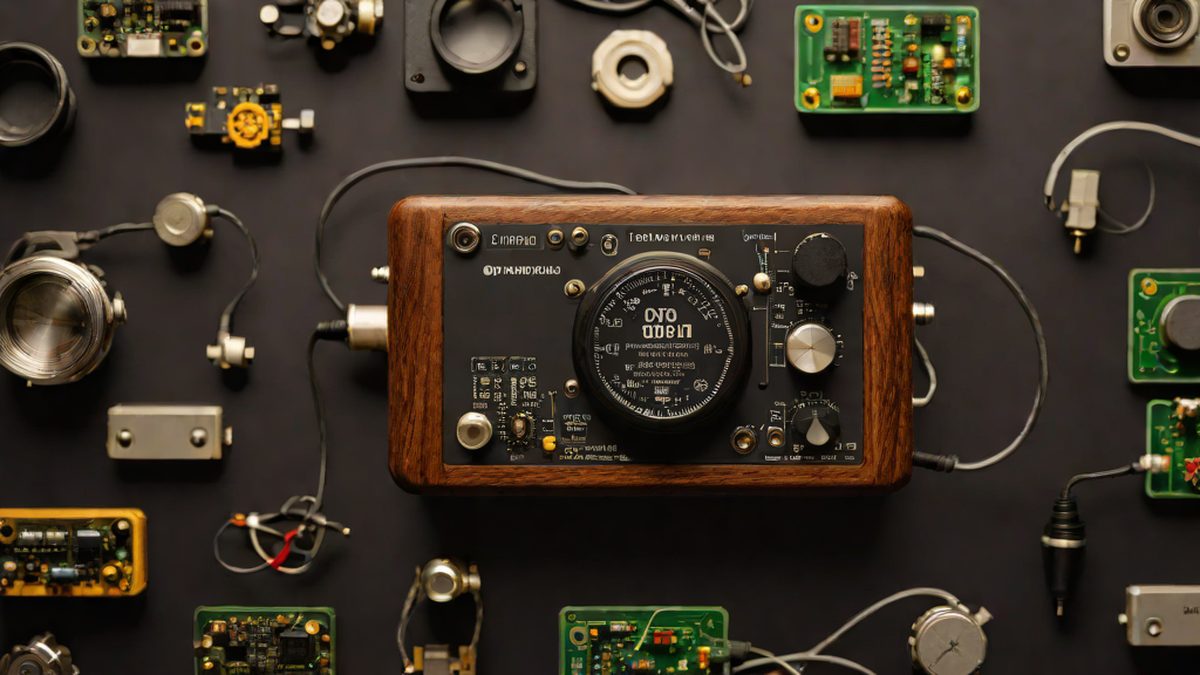
In an era of working with multiple AI chat windows open simultaneously, 'Cyberviber' is a tiny $15 screen that tells you which session needs your attention.
Imagine this. On your monitor screen, you have numerous artificial intelligence (AI) chat windows open—one running translations, another handling coding, a third summarizing academic papers, and so on. Because each task takes a little time, you often minimize these windows or hide them behind other tabs. Consequently, you waste valuable focus cycling through countless tabs with Alt+Tab shortcuts wondering, “Ah, did that window finish its task?” or “Where is it waiting for my input?”
Modern knowledge workers and developers no longer converse with just a single AI; they live in an era of multitasking running multiple sessions simultaneously. As artificial intelligence has grown smarter, the “fragments of conversation” we must manage at once have exploded. Emerging right from this context is an intriguing and practical invention. Introduced on the American developer community Hacker News, the hardware device that has drawn immense interest is Cyberviber [Source 1].
Why It Matters
The greatest obstacle to our workflow on a computer is “Context Switching.” As we jump from window to window checking statuses, our brains experience unnecessary fatigue, and productivity plummets. Especially when coding or reviewing long documents while conversing with AI models, missing the moment when the AI finishes its response or requests an additional question can grind the entire workflow to a halt.
Average users might think, “Why not just leave the windows open on the monitor?” but screen space is perpetually scarce. Monitoring the status of AI chat windows in the corner of a monitor already crammed with browser tabs, development tools (IDE), and messengers is no easy feat. While browser extensions or session key management tools exist [Source 2], rare is the method that lets you instantly perceive the current state without diverting your physical gaze outside the computer monitor.
Cyberviber targets precisely this distraction problem. Instead of popping up notifications within the computer screen, a tiny physical touchscreen placed right on your desk informs you directly: “Right now, this Claude session is waiting for your input” [Source 1]. Rather than a smartphone or bulky tablet, it stands out as a refreshing approach to reducing modern digital fatigue precisely because it is an ultra-compact device designed for that single purpose alone.
The Explainer
Simply put, Cyberviber is like a “dedicated mini call bell for your AI assistant.” If you’ve been to a restaurant, you’ve probably seen call buttons at each table for ordering or requesting assistance. Just as an indicator light at the counter shows staff which table’s customer is calling among many, Cyberviber displays on its screen which of your multiple active Claude sessions needs your attention [Source 1].
To use an analogy, on a massive orchestra stage, the conductor (the user) must simultaneously lead numerous instrumentalists (the Claude sessions). When the musicians finish practicing and need a cue from the conductor, instead of looking at a large scoreboard, a small light blinking on the desk right in front of the conductor signals, “The violin section is awaiting your confirmation.” Thanks to this tiny visual signal, the conductor can maintain complete control over the entire flow without taking their eyes off the sheet music.
Furthermore, when intensively utilizing cloud-based AI services, a familiar phenomenon occurs. After exchanging continuous conversations, you inevitably hit session limit warnings when diving into deep code reviews or exhaustive document analyses [Source 3]. When juggling multiple sessions simultaneously, figuring out which session has hit its limit or completed its response is a core challenge of multitasking. Cyberviber solves the hassle of such session management by extending it into physical space.
Where We Stand
Today, AI tools have deeply permeated our lives through various pathways including web browsers, terminals, integrated development environments (IDEs), and dedicated apps [Source 4]. Developers use coding assistants in terminal environments or input prompts across multiple open browser windows.
However, the more diversified this ecosystem becomes, the greater the cognitive load borne by users. Leaving browser tabs open and missing the timing when AI finishes responding while doing other work, or conversely, running too many sessions at once and breaking your flow by exceeding session limits—these are experiences familiar to anyone.
The market currently overflows with tools and API services comparing AI model performance itself [Source 5]. However, few attempts have been made from a hardware perspective to resolve the visual and psychological fatigue occurring in the “process” of user-AI communication—namely, the inconvenience of multi-session management. Striking a breakthrough price point of $15 (around 20,000 KRW) paired with an intuitive touchscreen interface, Cyberviber has precisely targeted this niche [Source 1].
What’s Next
Looking ahead, how we converse with AI agents will become even more multidimensional and diversified. The era where we stared at just a single window is fading, and multi-agent workflows where dozens of agents simultaneously perform respective tasks in the background will become commonplace.
In that future, humans will no longer be mere input generators, but will take on the role of “orchestrators” coordinating progress and providing feedback across multiple AI sessions. In this environment, ultra-compact physical devices and secondary screens like Cyberviber are highly likely to become essential desk accessories. Instead of wandering through software windows, tapping a physical touchscreen within arm’s reach to summon the most urgent AI session is the future approaching us.
As the tiny $15 screen demonstrates, innovation in the AI era doesn’t solely stem from colossal models with trillions of parameters. Right on our desks, small ideas accurately pinpointing everyday, trivial inconveniences may truly mark the beginning of real change.
AI’s Take
They say software is eating the world, but ultimately, the final touchpoint humans encounter is the physical space on their desks. For modern individuals lost amidst countless AI sessions, the comfort offered by a small $15 touchscreen is heavier than expected. Expectations are mounting on how AI tools will continue to respect our gaze even more comfortably going forward.
References

- $5
- $15
- $50
- Shows which Claude session needs your attention or input among multiple active sessions
- Calculates the number of AI model parameters in real-time
- Displays computer battery remaining
- Warnings never appear before a session is completely full
- You can reach limits during intensive code review sessions
- Session limits always reset precisely every hour