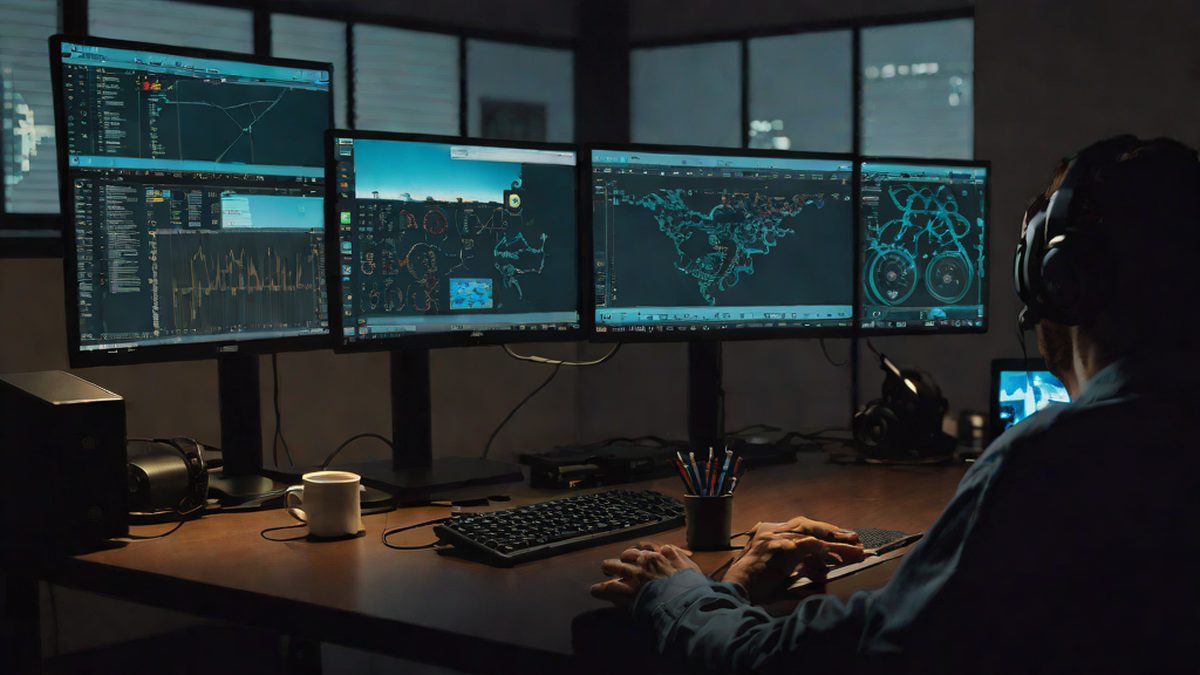
Examine the new technological trend and the value of privacy protection that enable prompting Claude Code without a sound through on-device lip reading and local voice dictation.
Imagine this. Late at night, you are working alone in a quiet library or shared office, looking at your laptop screen. You are in an environment where you cannot speak aloud, but you need to convey long instructions to your coding agent. Instead of pounding on the keyboard, as you silently move your lips toward the screen, coding prompts are typed out in real-time in the development tool on your screen.
A new tool recently featured in the developer community Hacker News makes this exact imagination a reality. A project has emerged that performs silent dictation (a feature that transcribes microphone input or voice into real-time text) using on-device lip reading technology (a method where data is processed directly inside your computer device without going through an external server) [Source 1]. A new path has opened to ease the finger fatigue of pounding on keyboard keys and code as if talking to AI without making any noise.
Why does this matter?
The AI tools we use every day are convenient, but there is always a concern that comes before them: privacy (personal information and data protection) and cost/environmental constraints.
Standard voice recognition or AI services process user voices or input data by transmitting them to cloud servers. However, source codes and internal confidential documents handled by developers are sensitive information that must not leak to external servers. By using voice dictation models running on local devices, what you speak or input is processed securely within your computer without being uploaded externally [Source 8].
In addition, prompting via voice dictation tools works wonderfully in Claude Code’s VSCode (a prominent source code editor created by Microsoft) extension and agent view, offering the practical advantage of consuming zero additional Claude messages or tokens in the process [Source 2]. The ability to maintain productivity amidst various physical constraints where making sound is difficult—such as libraries, cafes, or homes late at night where family members are sleeping—is a major attractive point for developers.
Understanding it easily
As an analogy, on-device lip reading is like having a “veteran lip reader behind a glass window” stationed inside your computer [Source 1, 9]. As we often see in movies, lip readers accurately read conversations just by looking at the other person’s lip movements even behind soundproof glass where no sound is heard. Similarly, cameras or visual recognition models capture subtle lip movements, fluently transforming visual forms rather than sound waves into text.
The second analogy is “a safe inside your house that is never exposed to the outside”. Everyday cloud-based voice assistants send your voice files across the ocean to a data center for analysis. In contrast, voice and visual dictation systems running on local devices are like keeping a sturdy safe in your room and processing your records exclusively inside it [Source 8]. Because your data never leaves your computer by even a single step, it fundamentally blocks worries about security incidents or information leakage.
In fact, when developing in a Mac environment, Claude Code is primarily executed in the terminal (command-line workspace), iTerm2, or terminal panels inside VS Code and Cursor [Source 3]. Because the prompt input window of this terminal is closer to a conversational interface than traditional Unix command input methods, natural communication styles like speaking fit extremely well [Source 7].
Current Status
In the current developer ecosystem, on-device and open-source-based voice and text input tools are expanding rapidly.
Representatively, OpenWhispr, an open-source-based dictation software built on the MIT license (an open-source license permitting free use, modification, and distribution), provides fast and accurate AI speech-to-text conversion capabilities, creating an environment that developers can trust and use [Source 5]. Additionally, software like LipReadingAI, a specialized Visual Speech Recognition technology, converts captured lip movements from cameras with state-of-the-art (SOTA) accuracy [Source 9].
Beyond this, users can integrate various open Large Language Models (LLMs) such as Qwen3.6, DeepSeek, and Gemma completely independently with Claude Code on their local devices using tools like Unsloth or Ollama [Source 8, 10].
Of course, technical challenges also exist. For example, when using macOS’s built-in voice dictation features, various permissions for device audio input, camera, and Bluetooth exist, but missing speech recognition permission items have been reported to cause unexpected failures [Source 4]. Because of this, developers are actively exploring innovative alternatives such as independent open-source dictation tools and on-device lip reading rather than relying solely on operating system built-in functions [Source 1, 5].
What’s Next?
Future development environments are entering an era where productivity is determined less by “how fast you type on the keyboard” and more by “how naturally and smoothly you converse with AI.”
Prompt input methods resembling voice conversation have already become established parts of developers’ daily workflows [Source 7], and combined with silent input technologies like “on-device lip reading,” complete hands-free or silent coding environments free from location and situational constraints are being constructed [Source 1].
Furthermore, on-device AI infrastructure where all voice and visual recognition are perfectly processed within your device without an internet connection will establish itself as a standard that satisfies both corporate security officers and privacy-conscious individual developers [Source 8]. The coding screens we will face in the future are projected to become quiet yet powerful workspaces where, instead of keyboard noise, lip movements and smooth conversations flow amid quiet focus.
AI’s Perspective
Surpassing the realm of voice recognition, the advancement of on-device technology that translates even “silent lip movements” into text is an excellent example of how meticulously AI can compensate for human physical and environmental constraints. These attempts, which lower the barriers to input while preserving privacy, harbor the potential to reshape the interaction methods of all digital interfaces beyond development tools.
References
- Show HN: Silent dictation for Claude Code via on-device lip reading
- Voice dictation for Claude Code: how to talk to… - Aqua Voice Blog
- Dictation for Claude Code on a Mac: speak prompts (2026)
- Caps Lock voice dictation silently fails on macOS — missing…
- OpenWhispr: Open-Source Dictation Software (Free Download)
- Voice dictation for Claude Code — Lispr
- Voice dictation in Claude Code: speak instead of typing
- Guide to use open models with Claude Code on your local device.
-
[LipReadingAI Visual Speech Recognition](https://lipreadpro.com/) - Claude Code + Ollama = Free Unlimited Coding AI - YouTube

- Remote cloud microphone input
- On-device lip reading
- Gesture-based motion recognition
- Internet speed becomes 10x faster
- Spoken content is not uploaded externally and privacy is protected
- Claude tokens are recharged for free
- Support for VSCode extensions and agent views
- Does not consume Claude messages or tokens
- Mandatory integration with server-side large-scale GPU clusters